

Summary
CVE-2025-22224 is a critical TOCTOU (Time-of-Check Time-of-Use) vulnerability in VMware ESXi and Workstation. It lets an attacker with admin access inside a virtual machine run code on the host by exploiting a race condition. This allows full VM escape and could lead to control of the host and other VMs. No user interaction is needed once the attacker has admin access to the VM.
Urgent Actions Required
- Apply VMware security updates and patches immediately.
- Restrict local administrative privileges inside virtual machines.
- Follow CISA and vendor mitigation guidance promptly.
Which Systems Are Vulnerable to CVE-2025-22224?
Technical Overview
- Vulnerability Type: Time-of-Check Time-of-Use (TOCTOU) Race Condition, Out-of-Bounds Write, VM Escape
-
Affected Software/Versions:
- VMware ESXi 7.0, 8.0
- VMware Workstation 17.x
- VMware Fusion 13.x
- VMware Cloud Foundation 4.5.x, 5.x
- VMware Telco Cloud Platform 2.x, 3.x, 4.x, 5.x
- VMware Telco Cloud Infrastructure 2.x, 3.x
- Attack Vector: Local – Requires administrative privileges inside the guest virtual machine.
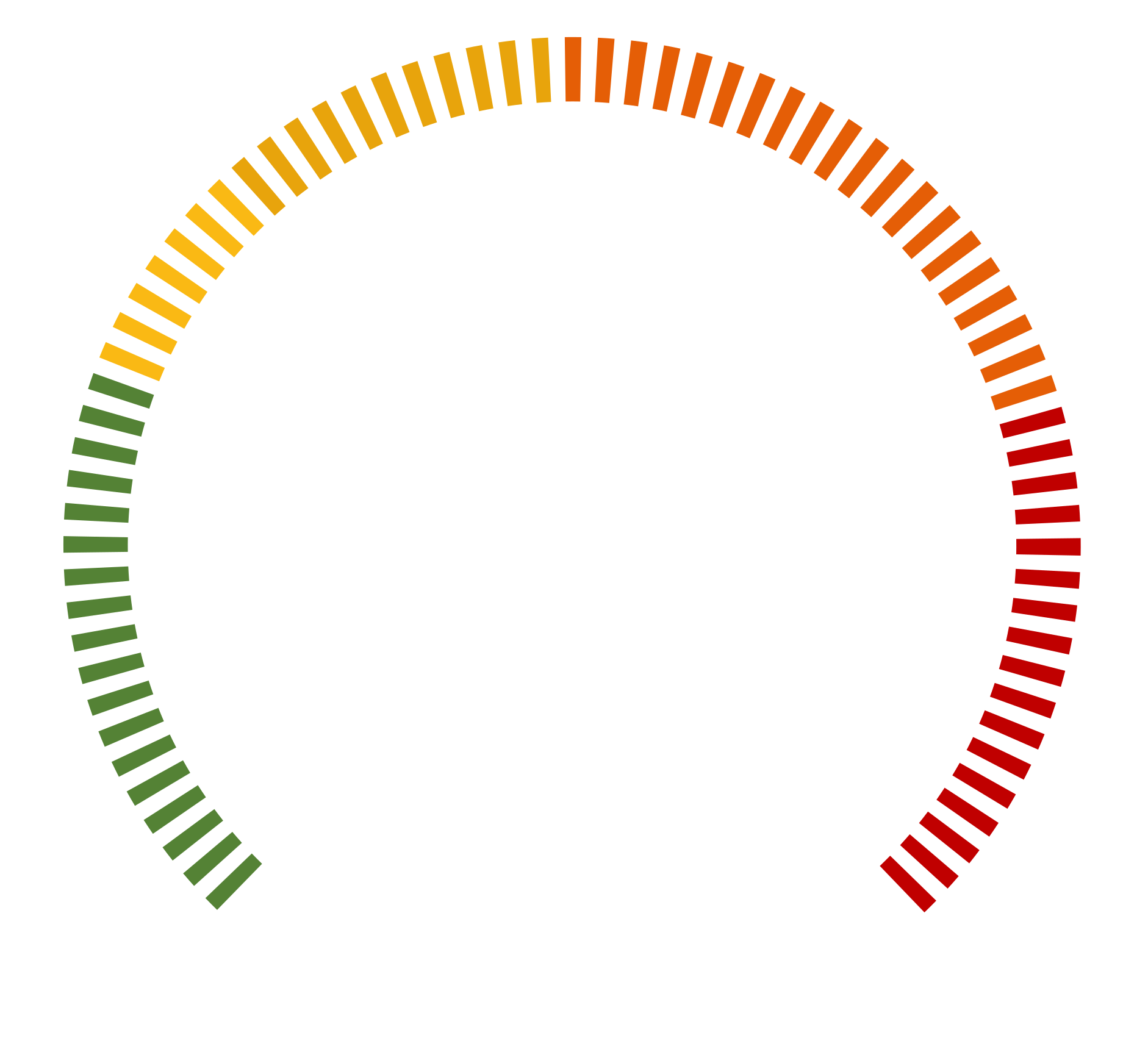
- CVSS Score: 9.3
- Exploitability Score: 2.5
-
Impact Score: 6.0
- Attack Complexity: Low
- Privileges Required: None
- User Interaction: None
- Scope: Changed
- Confidentiality Impact: High
- Integrity Impact: High
- Availability Impact: High
- Patch Availability: Yes, available. Fixes released via VMware Security Advisory2.
How Does the CVE-2025-22224 Exploit Work?
The attack typically follows these steps:

What Causes CVE-2025-22224?
Vulnerability Root Cause:
This vulnerability in VMware ESXi and Workstation is caused by a TOCTOU (Time-of-Check Time-of-Use) race condition. It happens when a resource is checked once but not verified again before use, letting an attacker change it in between. An admin inside a VM can exploit this to write outside allowed memory, escape the VM, run code on the host, and possibly take over other VMs or the entire virtual environment.
How Can You Mitigate CVE-2025-22224?
If immediate patching is delayed or not possible:
- Apply VMware’s recommended mitigations from the official advisory.
- Restrict local admin access within guest virtual machines wherever possible.
- Run sensitive workloads on separate physical hosts.
- Use logging or EDR tools to watch for unusual VM activity.
- Apply segmentation controls to limit lateral movement between VMs.
Which Assets and Systems Are at Risk?
-
Asset Types Affected:
- Hypervisors – VMware ESXi 7.x, 8.x
- Virtualization Platforms – VMware Workstation 17.x, Fusion 13.x
- VM Management Solutions – VMware Cloud Foundation (4.5.x, 5.x)
- Carrier-Grade Deployments – VMware Telco Cloud Infrastructure and Telco Cloud Platform (v2.x–v5.x)
-
Business-Critical Systems at Risk:
- Virtualized workloads – Production VMs running sensitive business applications
- Multi-tenant virtual environments – Where VM escape could lead to cross-tenant access
- Cloud and datacenter hosts – Especially those consolidating multiple critical services
- Telco and infrastructure environments – If running impacted VMware Telco products
-
Exposure Level:
- Internal attack surface – Exploitation requires local admin privileges within a VM
- High-value targets – Hosts with multiple co-located VMs from different trust levels
- Actively exploited – Confirmed in the wild per CISA and Broadcom advisories
- Public PoCs available – Increases likelihood of widespread abuse in unpatched systems
-
Downtime Risk Assessment:
- Patching may require a host reboot – Temporary disruption to all VMs on a host
- Emergency change required – Recommended under ITIL due to active exploitation
- Maintenance window impact – Coordination needed for clustered or production workloads
How Can You Detect CVE-2025-22224 Exploitation?
Exploitation Signatures:
- Actively exploited in the wild (confirmed by Broadcom and listed in the CISA KEV catalog).
- Public Proof-of-Concept (PoC) exploits available on GitHub.
Remediation & Response
Patch/Upgrade Instructions:
Mitigation Steps if No Patch:
- Restrict administrative access within guest virtual machines to reduce exploitation risk.
- Isolate high-risk or sensitive workloads on dedicated or segmented hosts.
Incident Response Considerations:
- Isolate impacted virtual machines (VMs) to prevent potential lateral movement or hypervisor-level compromise.
- Capture forensic artifacts such as memory dumps from affected VMs and logs from the VMX process on the host.
- Review hypervisor logs for indicators of out-of-bounds writes or anomalous VMX behavior.
- Assess the scope of compromise, especially in multi-tenant environments where VM escape may affect other guests.
- Post-remediation, monitor for unusual activity at the hypervisor level and validate patch application on all impacted systems.
Will Patching CVE-2025-22224 Cause Downtime?
Patch application impact:
- Moderate to high impact, depending on the host and environment size.
- VMware updates (like ESXi 7.0 U3s, 8.0 U3d) require a host reboot and a short maintenance window.
Mitigation (if immediate patching is not possible):
- Restrict local admin access inside guest VMs to reduce exploitation risk.
- Consider isolating high-risk workloads on dedicated hosts to limit impact.
- Existing VMs remain exposed until patched, so any unpatched host continues to be at risk.
Our customers detect post-breach attacks over 9x Faster
- Detect Advanced Threats Before Damage Escalates Trusted
- Cybersecurity Leader for 20+ Years
- See why security teams choose us over other solutions
CVSS Breakdown Table
| Metric | Value | Description |
|---|---|---|
| Base Score | 9.3 (Critical) | High severity—full VM escape and host compromise possible |
| Attack Vector | Local | Exploited from within the guest VM, not remotely |
| Attack Complexity | Low | No special conditions required; race condition is reliably triggerable |
| Privileges Required | None | No host privileges needed beyond admin access inside the VM |
| User Interaction | None | Fully automated attack once code runs inside the guest VM |
| Scope | Changed | Impacts extend beyond the VM to the host system and other VMs |
| Confidentiality Impact | High | Allows access to host memory and potentially co-located VMs |
| Integrity Impact | High | Can modify host processes or implant persistence |
| Availability Impact | High | May cause system crashes or affect other critical VMs on the same host |
Explore the Latest CVEs
Detailed insights into critical and emerging CVEs